v4 Dashboard65+ appsCLI + Web UISelf-hosted

Media server infrastructure,
set up in minutes.

QuickBox installs, wires and secures a full set of 65+ apps on your own server, then runs all of it from one dashboard. The setup that takes hours by hand takes minutes.

No signup for the demo. Four ready-made accounts, reset every 30 minutes. There is no free trial, so the demo is the trial.

Trusted by media server operators running

65+
apps and counting
38
admin permissions
4
supported Debian and Ubuntu releases
4
built-in roles, plus roles you create

Hours versus minutes

A media server is never one app. QuickBox handles the rest.

Plex or Jellyfin is the easy part. The hours go into everything around it: automation, downloads, certificates, security, users and updates.

By hand

9 jobs
  1. Prepare the server: updates, users, SSH.
  2. Install a web server and a route for every app.
  3. Issue TLS certificates and keep them renewed.
  4. Install Plex, Emby or Jellyfin.
  5. Wire up Sonarr, Radarr, Prowlarr and a request app.
  6. Find a torrent client built for your distro.
  7. Write a service unit per app, per user.
  8. Set up the firewall, Fail2Ban, 2FA and a VPN.
  9. Update every app, one at a time, forever.

With QuickBox

3 steps
  1. Start from a fresh server

    Debian 12 or 13, or Ubuntu 22.04 or 24.04, on x86_64.

  2. Run the installer

    Download it from the public GitHub repo, then run it with your account API key.

    ./qbpro -u USER -p 'PASS' -k 'API_KEY'
  3. Install your apps from the dashboard

    Each one installs as a native service per user. Update and remove them the same way.

Before you start: a fresh x86_64 server and a QuickBox account for the API key. ARM is not supported.

What's Included

A CLI and dashboard that handle the heavy lifting so you don't have to.

  • One-Click Apps

    65+ apps, one command or click.

  • Native, Not Containers

    Real systemd services, per user.

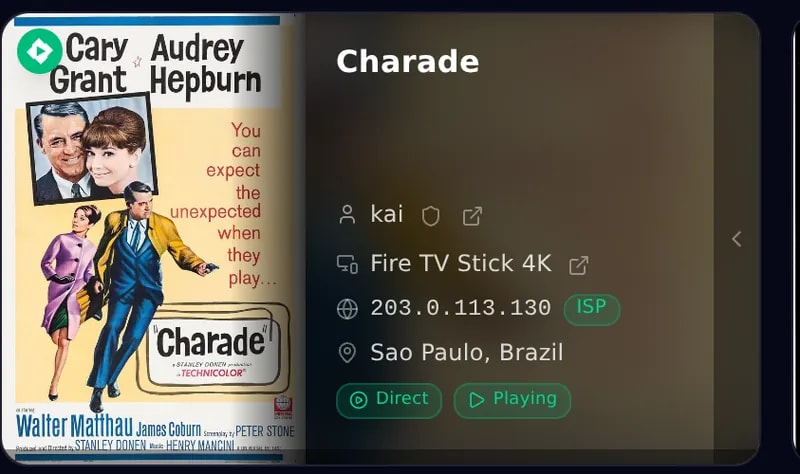
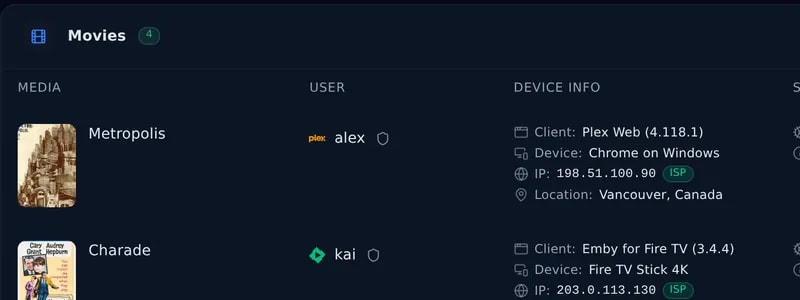
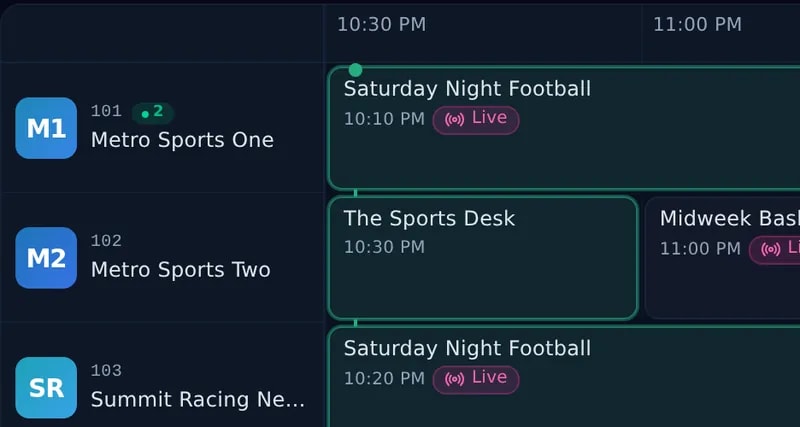
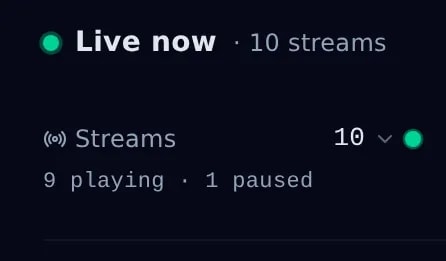
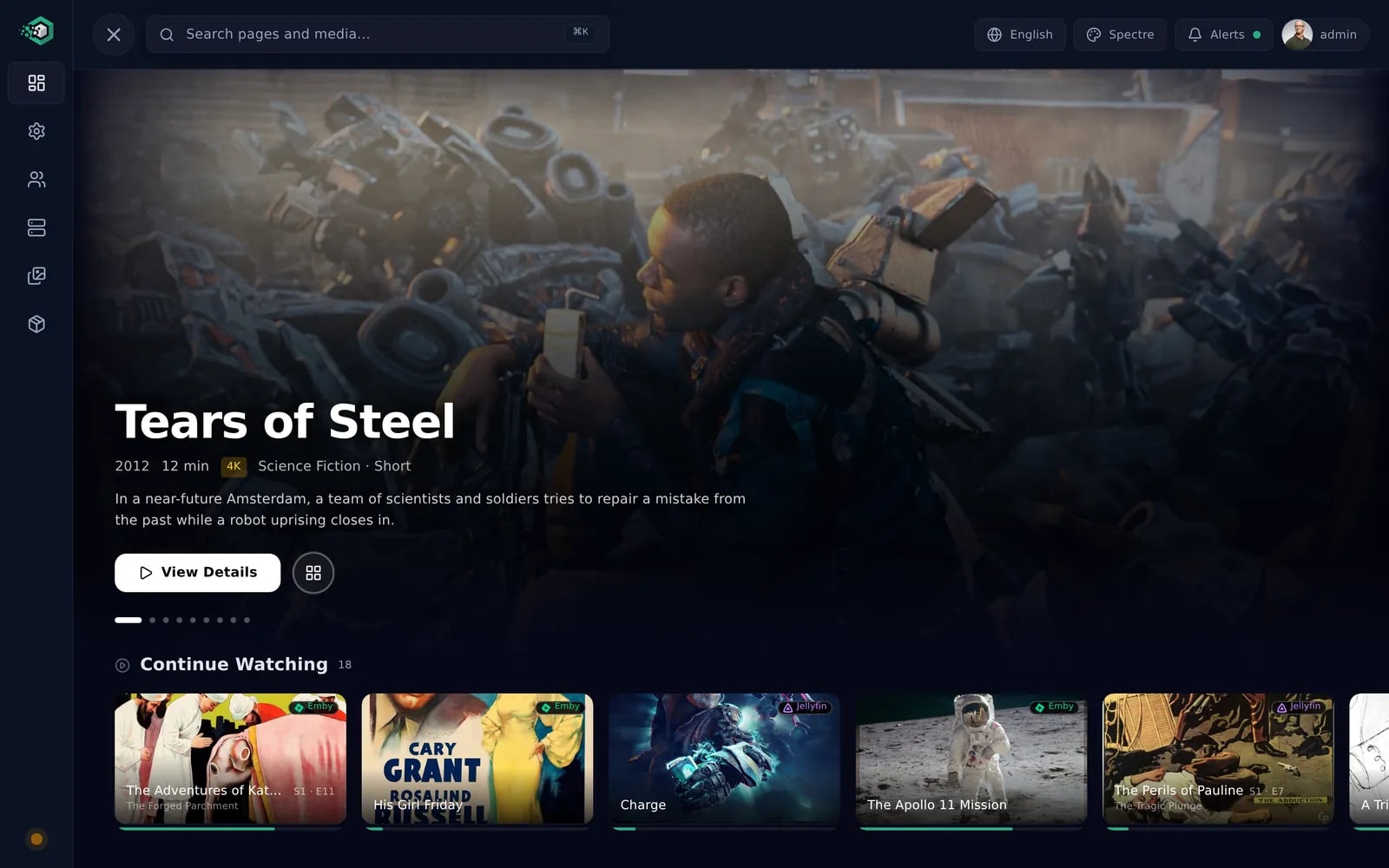
  • Streaming Command Center

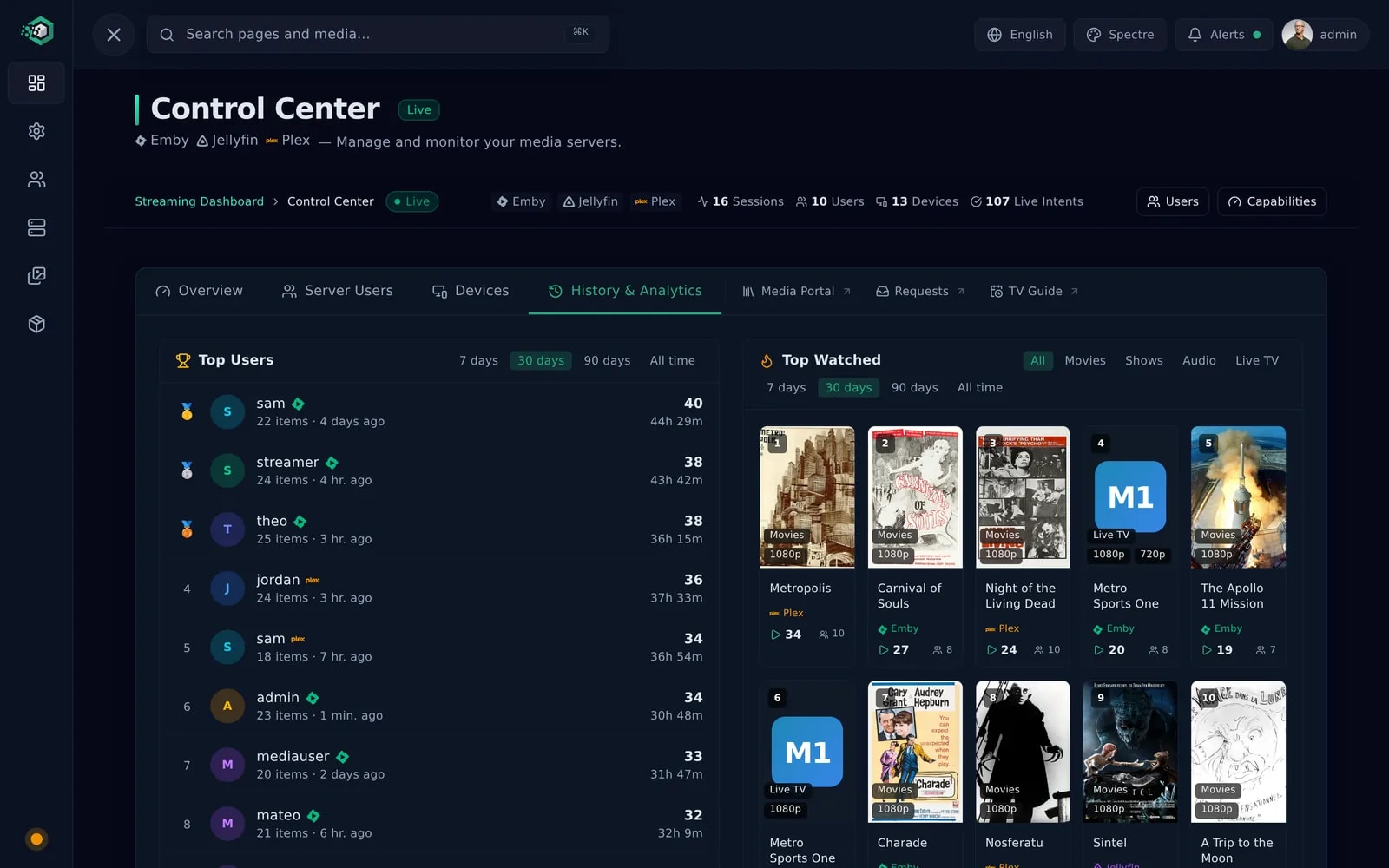
    Plex, Jellyfin and Emby in one place.

  • Real-Time Monitoring & Telemetry

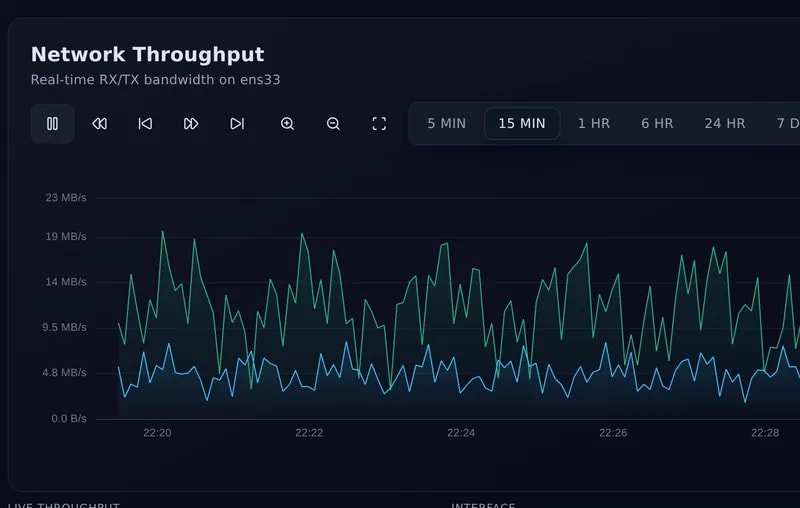
    Live metrics, charts and health scores.

  • Inter-Instance Transfer

    Move data between your own servers.

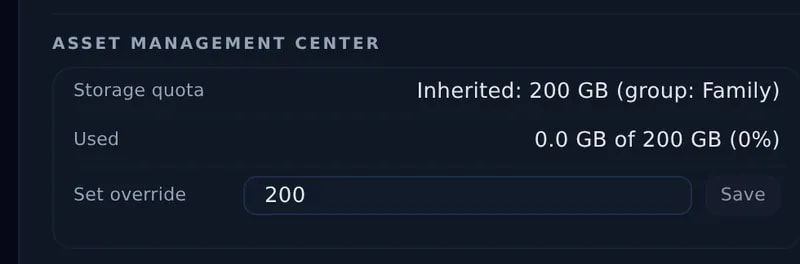
  • Asset Management Center

    Uploads, branding and app backups.

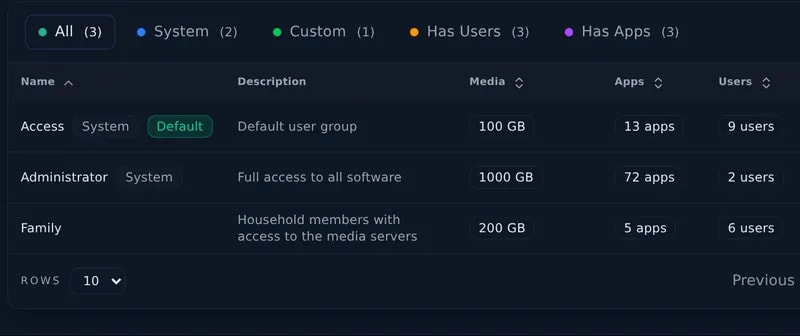
  • Multi-User RBAC

    38 permissions, roles, groups, quotas.

  • SSL, VPN & Security

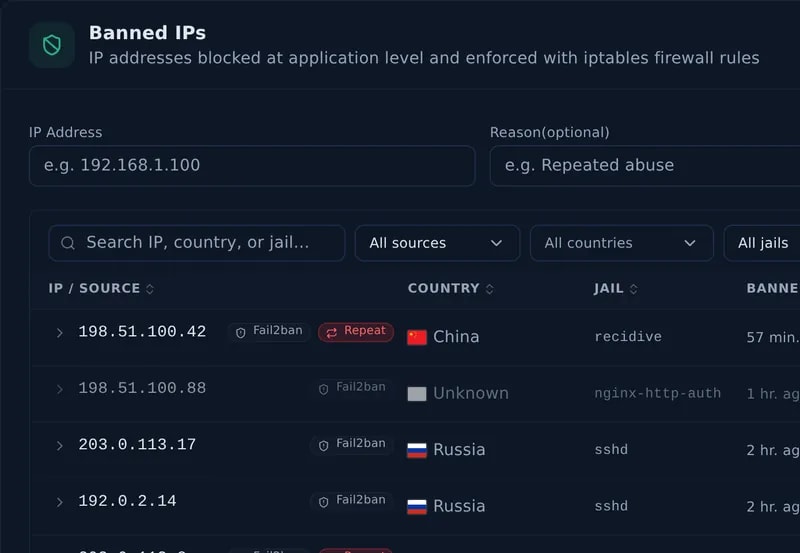
    Let's Encrypt, WireGuard, 2FA, geo-block.

  • Your Server Talks to You

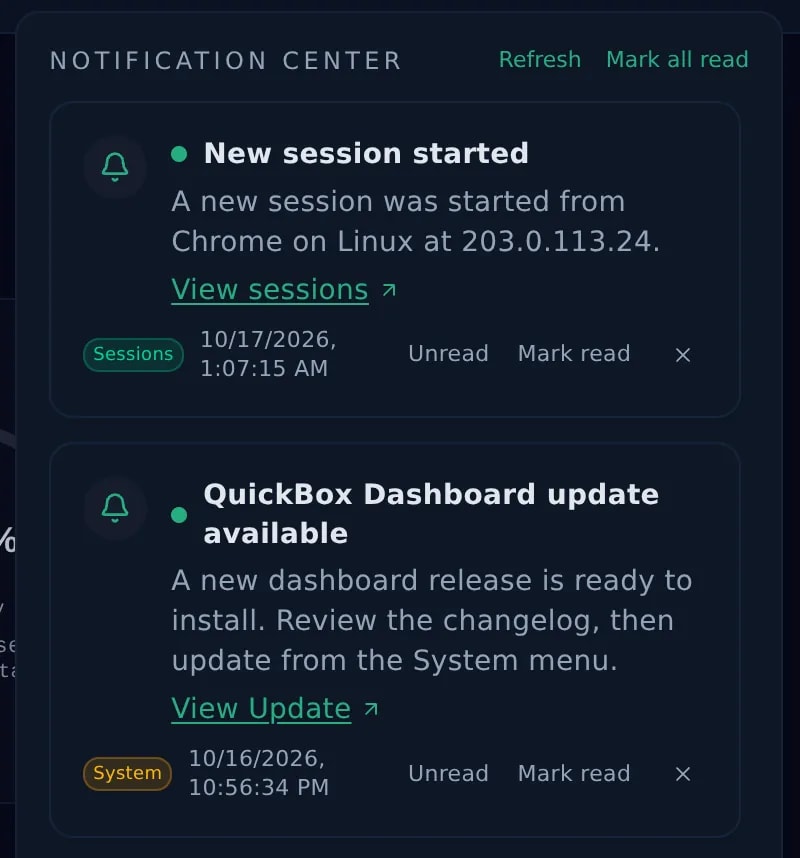
    Email, Discord and Signal alerts.

  • CLI + Dashboard

    Manage everything from either.

  • Release Channels

    Stable, or the public beta.

  • Self-Hosted

    Your server, your data, your control.

Feature Deep-Dive

The Dashboard

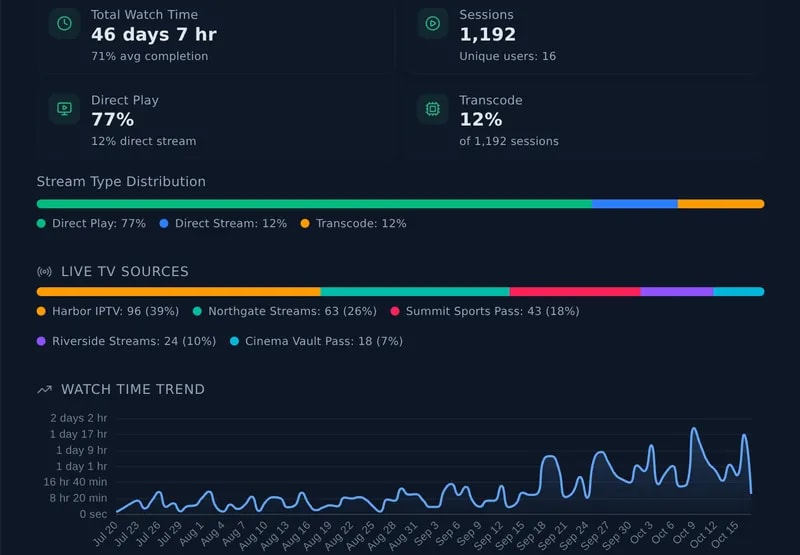
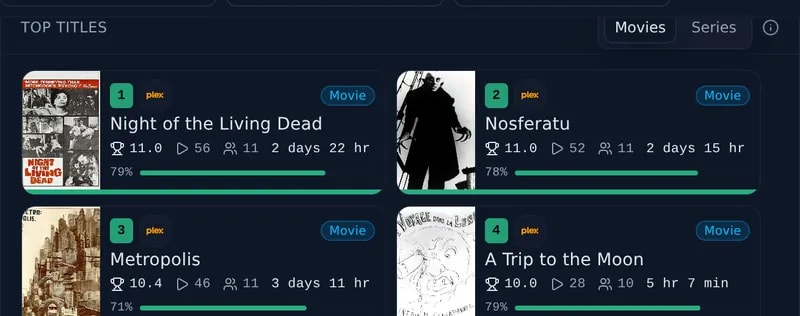
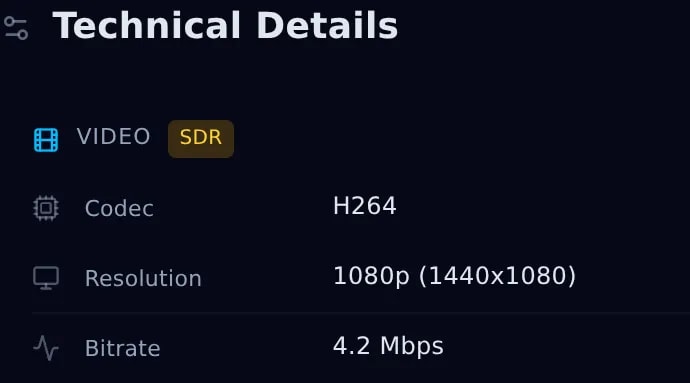
Full server control from your browser. Manage applications, monitor performance, stream media, and configure security, all without opening a terminal. Tap any screenshot to expand it.

01

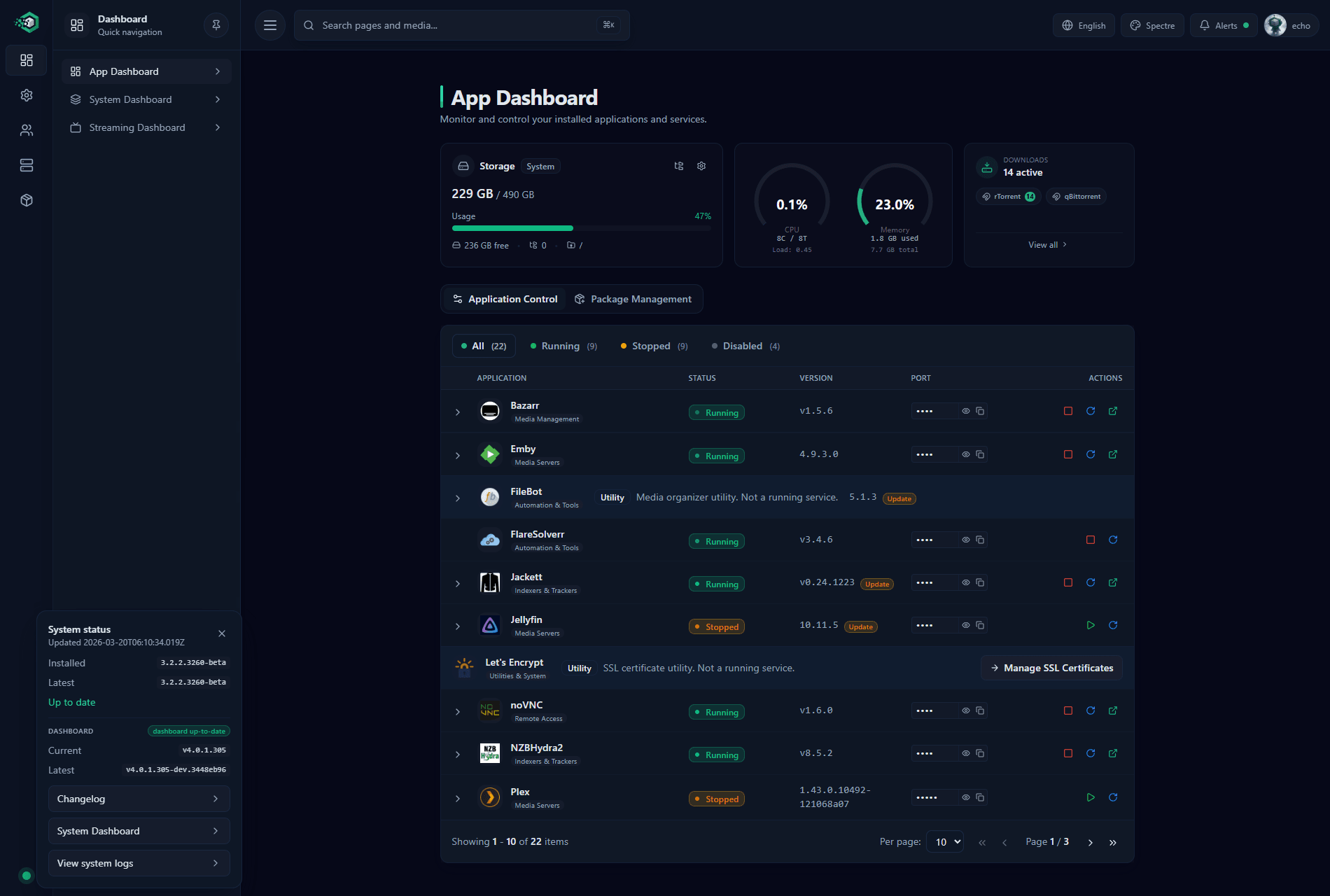
Application Control Center

Install, remove, and manage 65+ applications across 11 categories from a unified dashboard.

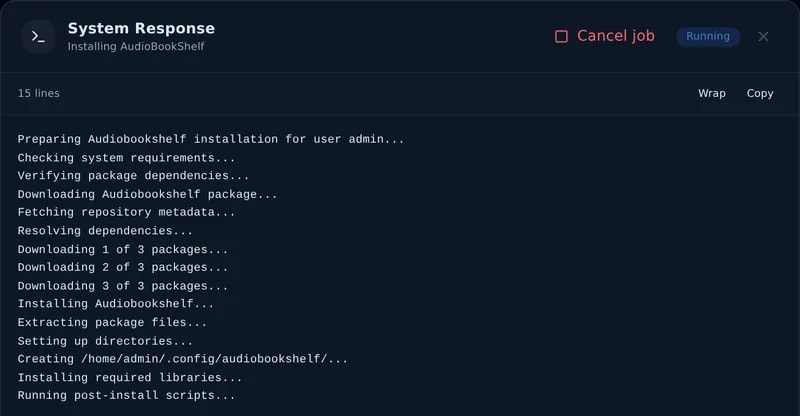
  • One-click install and removal with live progress streaming
  • Real-time service controls: start, stop, restart any application
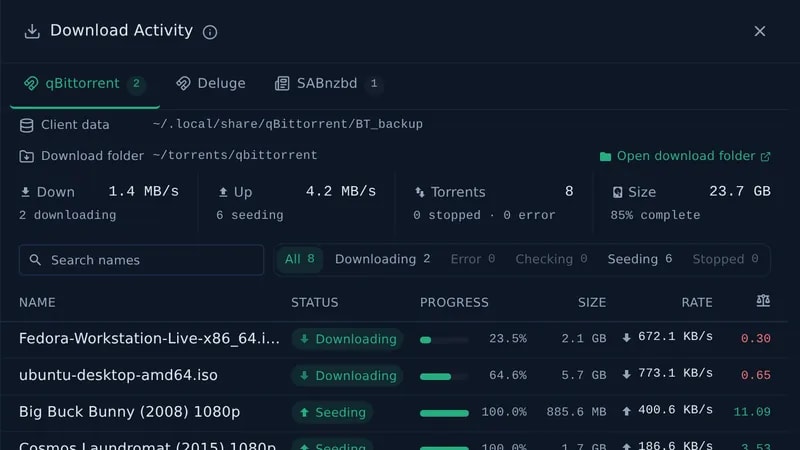
  • Download activity monitor for rTorrent, qBittorrent, Deluge, SABnzbd & more
  • Configuration backup and restore for disaster recovery
  • Package management mode for bulk operations across users
App management docs

1 of 2: Application Control: manage running services and monitor health

Explore every dashboard feature in the docs

DIY vs QuickBox Pro

What you get out of the box compared to doing it yourself.

DIY setup compared with QuickBox Pro
FeatureDIY SetupQuickBox Pro
Installation
Hours of manual configuration
One command, minutes
65+ Applications
Install each one manually
One-click install, remove & update
Multi-User Support
Not included
RBAC, groups, quotas, impersonation
Web Dashboard
None
Modern React UI with real-time controls
System Monitoring
Manual CLI tools
Real-time bandwidth, CPU, memory charts
Streaming Dashboard
Not available
Unified Plex, Jellyfin & Emby control
SSL / HTTPS
Manual Let's Encrypt setup
Automated with DNS challenges
VPN
Manual WireGuard configuration
Integrated management via dashboard
Web Console
SSH only
Browser-based terminal access
Audit Logging
Not included
Full admin action audit trail
Updates
Update each app manually
qb update, one command for everything
Support
Stack Overflow / forums
Community + dedicated support with docs

What Users Are Saying

Real feedback from the QuickBox Pro community.

Discord
“The ease of use, fast setup, and responsive staff make QuickBox Pro an excellent choice. The v3 improvements really took things to the next level — installation was a breeze and everything just works.”
@lonewolf12016July 2022
QuickBox.IO
“This is amazing. I regret not switching to Pro sooner. The support speed is incredible — I had an issue at 2am and got a response within minutes on Discord. Worth every penny.”
@SteexDecember 2021
QuickBox.IO
“Totally worth the price. What used to take me an entire day of manual setup is now handled by QuickBox in minutes. It simplifies everything and I recommend it highly to anyone running a media server.”
@techiedMay 2020
QuickBox.IO
“20-minute installation from scratch to a fully working media server. The Discord community is incredibly helpful and the dashboard gives you complete control over everything.”
@SuissoNaBissoMarch 2019
Discord
“I'm blown away @JMSolo👑, wow, you really have gone above and beyond on this. Playback mirror is absolutely blowing my b*lls off!”
@coreyladMarch 2026
Discord
“Hey any prospective users! Totally recommend the upgrade to QuickBox Pro for any newb admins. Staff has been super helpful in getting my server running like a charm. The team here is second to none, and the service is stellar; I highly recommend QuickBox Pro to everyone”
@GURUApril 2020
Discord
“These guys are passionate about this project and it shows in their work and detail. I'll continue to support this group moving forward!”
@SkyChoksMay 2021
Discord
“I started with these guys early on, and watched the project and the folks working it. You really should step up to a pro license if you're serious about a good seed box, the customer support is EXCELLENT, and these guys are dedicated to customer support and product improvement. I'm a pro customer and now a lifetime subscriber.”
@John BeenieSeptember 2022

Quotes are shown as posted, with the date.

Simple Pricing

One Plan, Every Feature

Choose the number of server activations you need. All features included in every plan.

1 Server

1 activation included

$7.99/mo
Get Started

or $79.99/yr (save 17%)

Most Popular

2 Servers

2 activations included

$14.99/mo
Get Started

or $149.99/yr (save 17%)

10 Servers

10 activations included

$62.99/mo
Get Started

or $629.99/yr (save 17%)

All Plans Include

65+ one-click applications across 11 categories
Modern React dashboard with 4 themes
Streaming dashboard for Plex, Jellyfin & Emby
Real-time system monitoring with health scoring
Multi-user RBAC with 38 permissions
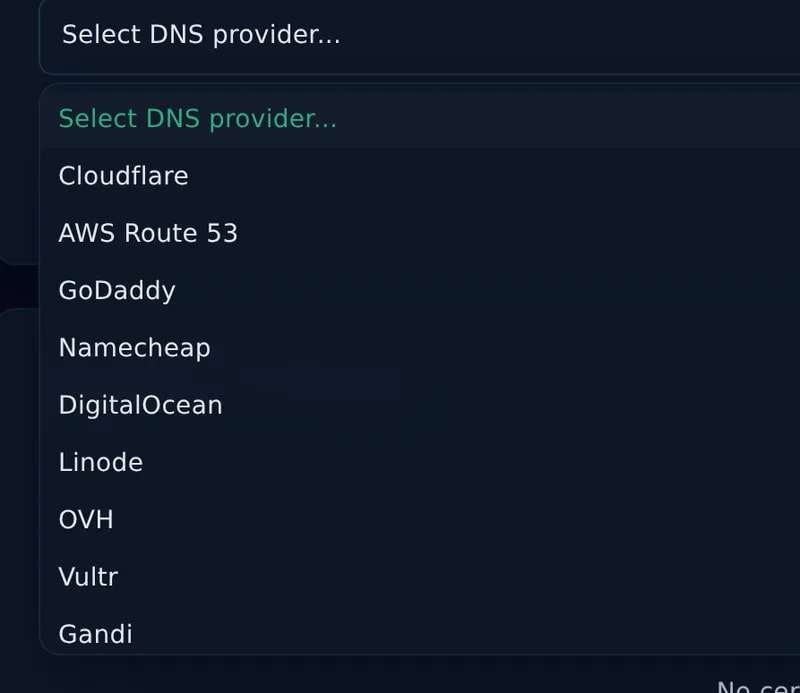
Automated SSL/TLS with 14 DNS providers
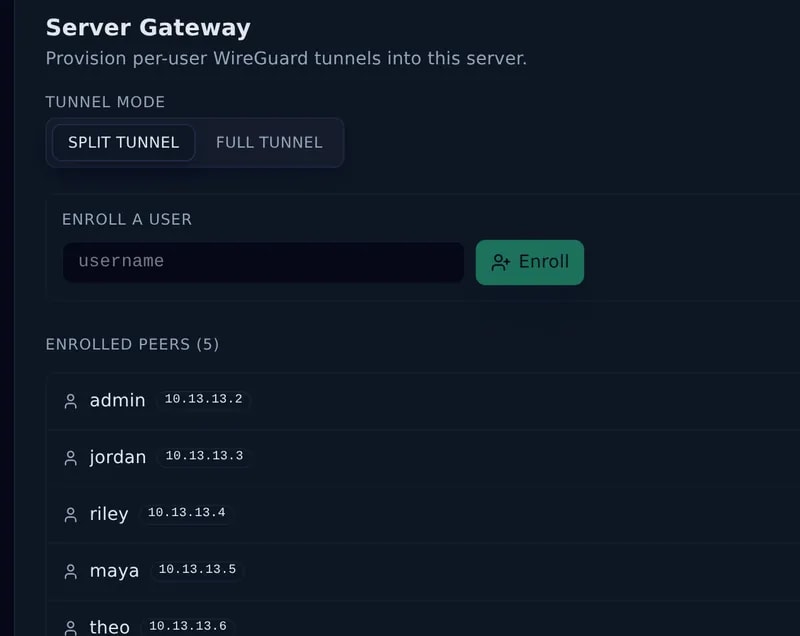
WireGuard VPN with geographic visualization
Built-in browser-based web console
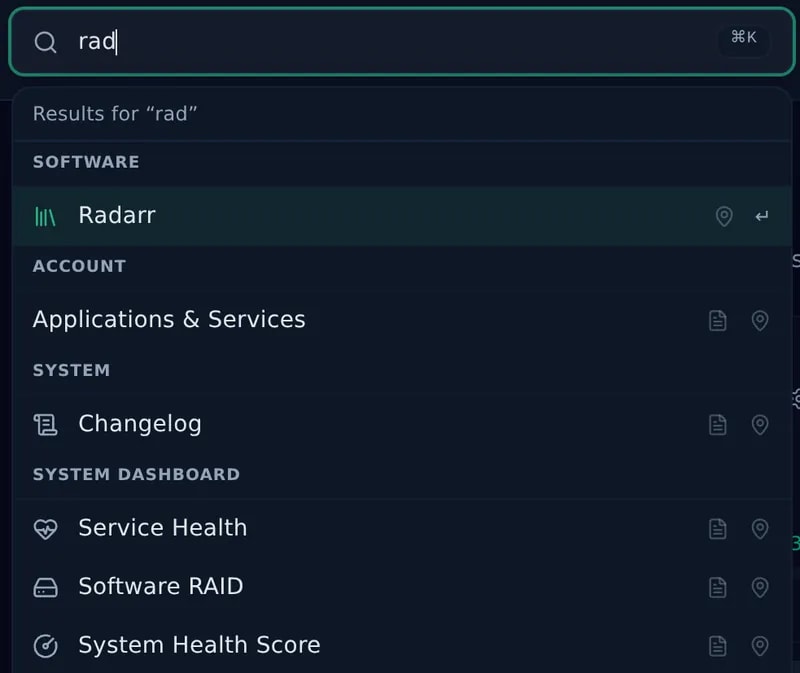
Ctrl+K command palette & keyboard navigation
2FA, passkeys/WebAuthn & geo-blocking
CLI tools & automatic updates
Community + dedicated Discord support

There is no free trial and no refunds, so look around the live demo (opens in a new tab) first. It needs no signup.

Frequently Asked Questions

Everything you need to know about QuickBox Pro.

Join the Community

Media server operators sharing configs, getting support, and shaping the future of QuickBox Pro.

  • Dedicated Support
  • Feature Previews
  • Community Configs
  • Active Discussions
Join Discord Server (opens in a new tab)

Ready when you are

Your media server, fully handled.

Open the live demo as an admin or a regular user. When it fits, pick a plan with every feature included.

No signup, four ready-made accounts.

  • 65+ one-click apps

    Media servers, automation and download clients, installed and managed from one dashboard.

  • 38 admin permissions

    Decide exactly what each person can see and change.

  • Four built-in roles, plus your own

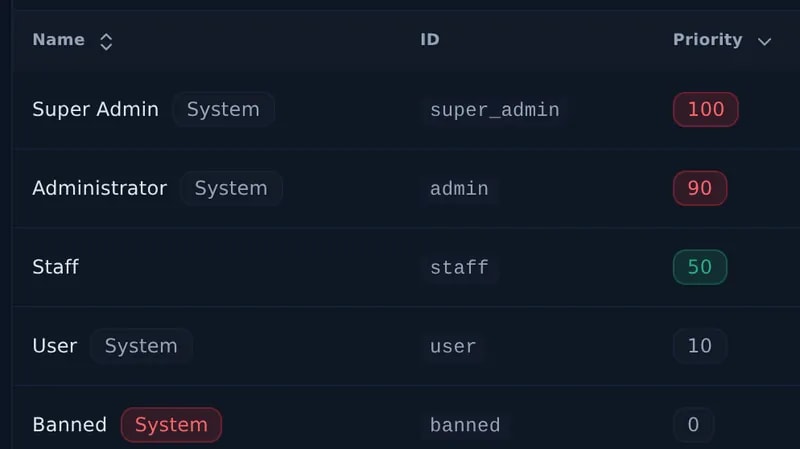
    Start from Super Admin, Administrator, User and Banned, then add custom roles.

  • Stable releases, public beta

    Run the stable channel, or try upcoming changes on the beta channel.